


















How to check your Speed Score on Google
Contents
Analysing your own Shopify Speed Score 🏎
When reviewing your own website Shopify speed score, it is better to use the Google Page Speed Insights tool, than to rely only on the Shopify speed score in your dashboard.
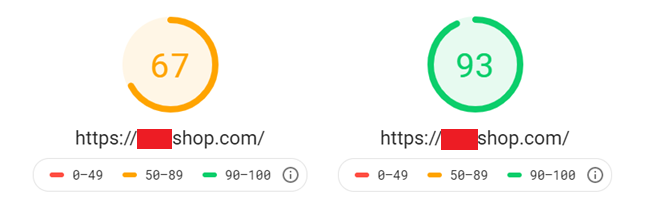
With the Google Page Speed Insights tool, you can see both mobile and desktop speed scores.
For best results, you want to be 50+ for mobile, where your desktop speed score will normally be higher than your mobile speed score.
As most people don’t have desktop computers and rely on using their mobile to browser and shop websites, it is now crucial to give your customer the best shopping experience. So if you aren’t at least getting 50/100 for mobile then you need to be, sooner than later.